First Golf Simulator Mistakes to Avoid
Posted in Room Setup
Most first golf simulator mistakes happen before the first shot: the mat, the room and the budget get decided early and are hard to undo. The seven below are regrets owners report after a first build, each with how many owners raised it and the fix.
In a Nutshell
The most repeated first-simulator regret is a cheap or worn hitting mat, which owners link to elbow and shoulder pain. Owners also regret rooms measured only on paper, ricochets, noise and budgets that count the hardware but not the room.
👉 Swing a driver in the room before you buy anything: height and swing plane matter more than any published minimum.
Jargon, once:
- Hitting mat — the surface you swing from; the strip you strike is often a separate insert.
- Bounceback — the ball rebounding off the screen toward the golfer.
- Enclosure — the frame, screen and side panels that catch the ball.
- GSPro — a popular Windows golf-course program.
How this was built: owner and reviewer reports from Reddit and YouTube since 2020. No maker prices or specs are quoted.
The Seven Mistakes at a Glance
| Mistake | What owners report | The fix |
|---|---|---|
| A cheap hitting mat | Elbow and shoulder pain | Buy the best mat the budget allows |
| Measuring the room on paper | Driver clips the ceiling; ducts and garage-door tracks in the swing path | Test-swing a driver in the spot |
| Underestimating ricochet | Face and eye injuries, holes in drywall | Loosen the screen, pad the walls |
| Forgetting noise | Impact sound carries upstairs | Treat the room, plan play times |
| Budgeting only for hardware | Room work costs more than the simulator | Price the room first |
| A setup built every session | The simulator goes unused | Make it permanent or quick to deploy |
| Skipping the software check | Days lost connecting a Mac to GSPro | Confirm the monitor, software and computer work together |
Mistake 1: A Cheap Hitting Mat
Buying a cheap or worn mat is the single most repeated first-simulator regret, linked to elbow and shoulder pain, including golfer’s elbow that can take months to clear (7 reports from 7 owners).
One owner who bought a budget mat wrote: “It took me just over a year to get rid of golfers elbow” (2026).
Another, who switched to a more forgiving strip, says their joints are much happier, at the cost of less realistic fat shots. A third warns the other way: a mat that was too soft hid fat shots that showed up on the course.
What sits around the mat matters too. Foam gym tiles turn into a regret for some owners: hard to clean, and some tiles balloon and need replacing (3 reports from 2 owners).
Best Golf Mat for a Golf Simulator – 10 Step Buying Guide
Golf Simulator Flooring (2026): What Goes Under and Around the Mat
Mistake 2: Measuring the Room on Paper
The limit first: owners and reviewers treat 9 to 10 ft (2.7 to 3 m) of ceiling as the safe minimum for swinging a driver comfortably (14 reports from 11 owners and reviewers). Below about 9 ft, they report shortened swings, clipped ceilings or clubs left in the bag.
Who it suits: there is no single number. Owners and reviewers say a golfer’s height and how upright the swing is matter more than any published minimum (10 reports from 5 owners and reviewers), so a shorter golfer with a flatter swing may manage a lower ceiling, though the ceiling still matters.
Test it: the most trusted check is a real driver swing, or a pool noodle standing in for one, in the exact spot before committing (5 reports from 5 owners and reviewers).
Look up: one reviewer found bulkheads, joists and ducts cut the usable height right where the swing peaks. In garages, door tracks and openers often sit in the swing path; owners raise the tracks or fit a side-mount opener (4 reports from 4 owners).
A room that only just fits can also make golfers swing slower without meaning to, reviewers say.
What’s the Minimum Golf Simulator Ceiling Height?
Golf Simulator for a Low Ceiling: What Actually Works (2026)
How much space do you need for a Golf Simulator?
Mistake 3: Underestimating Ricochet and Bounceback
New owners consistently underestimate ricochet, with reports of face and eye injuries and broken monitors (5 reports from 5 owners). One owner wrote: “I would have got one without metal framing after taking a ricochet to the face.” (March 2024).
- Screen too tight: owners trace most bounceback to excess screen tension, not missing padding, and fix it by loosening the bungees (8 reports from 8 owners).
- Cheap backers: moving blankets and dark fabric behind the screen can shred within months and leave dye on it (7 reports from 5 owners).
- Bare walls: mishits leave real holes and dents in unprotected drywall and ceilings (5 reports from 5 owners).
- Hard padding: thin, rigid gym tiles and hardboard send balls back hard instead of stopping them (7 reports from 6 owners).
How to Reduce Golf Impact Screen Bounceback (9 Practical Strategies)
Protect Your Golf Simulator Walls and Ceiling – 12 Simulator Safety Tips
Mistake 4: Forgetting the Noise
Owners most often name the ball hitting the screen as the loudest, most disruptive sound, described as a boom or a gunshot (7 reports from 6 owners); in the room the club strike can be louder, but the screen’s thud is what travels.
That sound carries through floors and walls to bedrooms upstairs and next door (7 reports from 6 owners).
The result in some homes is a schedule: no driver at night, no play at nap time (5 reports from 5 owners). In apartments and condos, the neighbors set the limit.
The fixes owners report: foam panels, insulation boards and blackout curtains on walls and ceilings cut the noise they hear (7 reports from 6 owners).
A better screen, or netting instead of a screen, also helps (5 reports from 4 owners).
Building a Quiet Golf Simulator – Soundproofing Tips for 2025
Mistake 5: Budgeting Only for the Hardware
First-time builders underestimate the total across mat, computer and projector; the recurring advice is to double the first budget (4 reports from 4 owners).
The room itself is often the biggest line: framing, drywall and electrical work cost more than the simulator hardware in many real builds (5 reports from 5 owners).
Then there is the yearly bill. Owners resent software subscriptions stacked on top of the hardware, and some drop products over them (4 reports from 4 owners).
Golf Simulator Budget Builds: Five Builds Priced Part by Part, From $1,600 to $24,000 (2026)
Launch Monitor Subscriptions Compared (2026): True Cost and No-Subscription Options
Golf Simulator Packages vs Building Your Own: Which Is Better Value?
Mistake 6: A Setup You Have to Build Every Time
A setup that must be put up and taken down each session creates enough friction that owners use it far less than planned, and several call it their biggest regret (3 reports from 3 owners). If the room can’t stay a simulator, plan a setup that deploys in minutes.
Retractable Golf Simulators – Ultimate Guide
Mistake 7: Skipping the Software Check
Not every launch monitor runs every program, and the computer matters too. GSPro doesn’t run natively on a Mac, and owners describe getting a launch monitor talking to it on a Mac as a multi-day networking job (4 reports from 3 owners). Check the monitor, the software and the computer together before buying any of them.
Launch Monitor & Golf Simulation Software – Compatibility Guide for 2025
Before You Buy: A Short Checklist
- Swing a driver in the room, at the spot where the mat will go.
- Look up for beams, ducts, lights and garage-door tracks.
- Price the mat before the projector.
- Price the room work, padding and a year of software alongside the hardware.
- Plan where the screen sits off the wall and what is behind it.
- Ask who lives above, below and next door.
- Confirm the launch monitor works with the software and computer you plan to use.
Golf Simulator Mistakes FAQ
What is the most common golf simulator mistake?
A cheap or worn hitting mat. It is the most repeated first-simulator regret among owners, tied to elbow and shoulder pain.
How high should a golf simulator ceiling be?
Owners and reviewers treat 9 to 10 ft as the safe minimum for a driver, but height and swing plane change the answer. Test-swing a driver in the room.
How do you stop bounceback?
Owners most often loosen the screen first, then add a hanging backer behind it with space to move, and pad nearby walls.
How much should you budget beyond the hardware?
Owners’ rule of thumb is to double the first budget. Room work, padding, a computer and yearly software are the usual surprises.
Is a cheap launch monitor a mistake?
Among first-simulator regrets, the cheap mat comes up most. Whatever the monitor costs, check that it fits the room and the software before price decides it.
Final Thoughts
Test the room, buy the mat, plan for ricochet and noise, then pick the launch monitor and software. Each of those mistakes is cheaper to avoid than to fix after the build.
Chipping and Short-Game Practice in a Golf Simulator (2026)
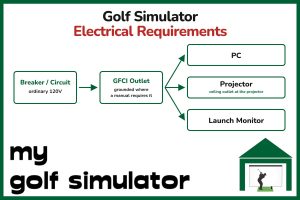
Golf Simulator Electrical Requirements: Outlets, Circuits and Panel Upgrades
ABOUT THE AUTHOR
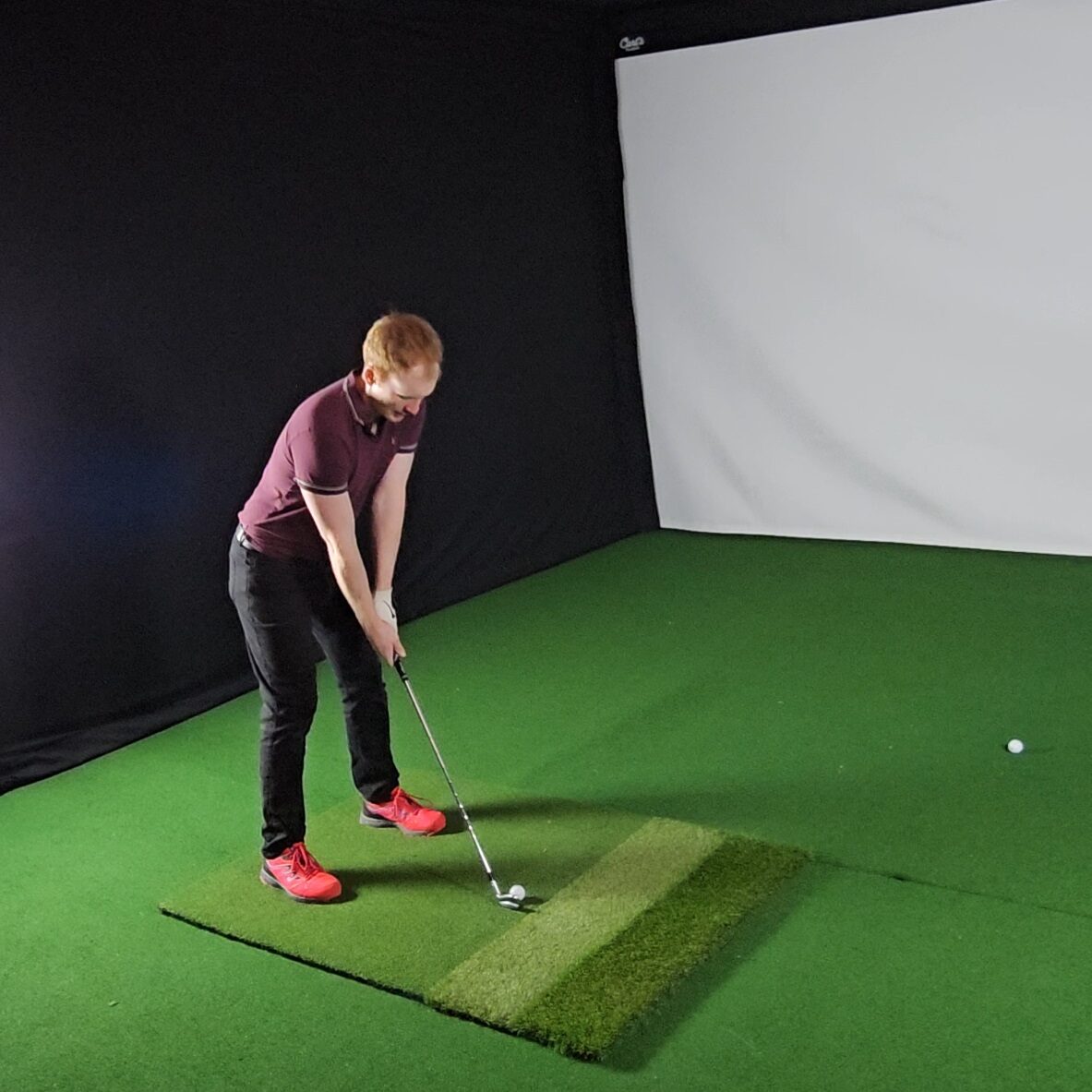
Hello! My name is Alex and it is my mission to bring you all the information you need to build your own home golf simulator! I hope mygolfsimulator.com helps you on your journey to better golf at home!
LEGAL INFORMATION
On this site, you'll find articles on all aspects of building a golf simulator. I will also link to other sites where you can buy some of the simulator components. Some of these links may be affiliate links, which means if you click them I gain a small commission at no extra cost to you. This really helps out me and my site so thank you in advance! mygolfsimulator.com and all related social media accounts are property of Awonline LTD.