Chipping and Short-Game Practice in a Golf Simulator (2026)
Posted in Launch Monitors, Your Swing Studio
A launch monitor can tell you how far a pitch carried. It can’t show how the ball would have checked on a firm green or come out of rough. Home short-game practice splits along that line, and your unit decides how short the useful range goes.
In a Nutshell
A simulator is a good place to groove pitch distances, and Square Golf (camera) and SkyTrak+ (radar plus cameras) owners report reasonable reads from about 10 yards up. Short low chips, flops, real lies and rollout are where indoor practice falls short, so owners still recommend chipping on real grass.
👉 Check how short your monitor reads before you buy it for chipping: one owner each reports no reads under about 30 yards on a Garmin R10 and about 40 yards on a Rapsodo MLM2PRO.
Jargon, once:
- Chip — a short, low shot that lands early and rolls most of the way.
- Pitch — a higher, softer wedge shot that carries most of the way.
- Flop — a very high, soft shot hit with an open-faced lofted wedge.
- Carry — how far the ball flies before it lands.
- Auto-putt — the software scores putts by distance instead of reading your stroke.
- Full flight — the ball flies freely instead of into a screen or net.
Which Launch Monitors Read Chips and Pitches
Makers say little about short shots. No maker page checked gives the shortest chip a unit will read, so the useful signals are dated software notes and what owners report. The table pairs the two.
| Launch monitor | What the maker says about short shots | What owners report |
|---|---|---|
| SkyTrak+ (discontinued; replaced by the ST MAX) | Firmware 0.107, shipped with App v5.3 on March 11, 2025, “improved capture rates for chip shots” | Reasonable reads on chips and pitches from about 10 yards; trouble with high, lofted shots |
| SkyTrak ST MAX | The quick start guide lists a short-game clock drill alongside Bag Mapping | No owner reports found yet |
| Garmin Approach R50 | Software 4.10 (June 2025): “Fixed chip/pitch shot detection (club metrics for slow swing speeds will now be detected).” | Owners and reviewers still complain about R50 chipping and putting |
| Garmin Approach R10 | Not stated on the maker pages checked | One owner: 30 to 50 yards hit or miss, nothing under 30 (2025) |
| Rapsodo MLM2PRO | Not stated on the maker pages checked | One owner: no reads under about 40 yards (2024); another found it weak on the short game and moved to an Uneekor EYE MINI LITE (2025) |
| FlightScope Mevo Gen2 | A full-flight chipping setup with the sensor 7 to 9 feet behind the tee and up to 50 yards of ball flight | Owners say Mevo units struggle with short shots and need more room |
| FlightScope Mevo+ (final sales phase) | Lists “short game data parameters” alongside full swing | Same owner caveat |
| FlightScope X3C | A Short Game Mode for bump-and-run chips on a green | No owner reports found yet |
| Square Golf | Not stated on the maker pages checked | One owner: full shots, chips and putts all read as expected (2025) |
Camera-read units come out ahead in owner reports. Square Golf (camera) and SkyTrak+ (radar plus cameras) owners describe reasonable reads on chips and pitches from about 10 yards, while Mevo owners describe short shots dropping out and a need for more room behind the ball (3 reports from 3 owners). The R10 and MLM2PRO rows each rest on one owner’s account. Each unit’s full data list sits on its own page.
Launch Monitor Data – 33 Parameters Explained
Garmin R10 Data – What Data does Garmin Approach R10 Measure?
What Data does the Garmin R50 Measure? – Garmin R50 Data In-Depth
How this was built: makers’ pages and manuals read in August 2026 and on 2 and 11 October 2026; owner reports from Reddit since 2024, plus one reviewer video on the R50.
Where the Read Breaks Down
Three kinds of short shot draw most of the complaints:
- Low-loft chips and short pitches. Owners report misreads or no reads on short, low shots, and some switch to a lofted wedge just to get a believable number (3 reports from 3 owners).
- Flops and very lofted pitches. One owner describes launch reading low and a flight that looks nothing like a real flop, even on units that handle normal wedges well.
- Slow, smooth swings. One R10 owner says a slow-tempo friend’s chips went unread. Garmin’s notes for R50 software 4.10 (June 2025) list the one dated maker fix found: chip and pitch shot detection, with club metrics for slow swing speeds now detected.
“I hate the sim for anything less than a half swing wedge.” (Reddit owner, 2025-10-28)
Room adds a limit of its own. Some owners describe their setup as unreliable or too cramped for anything shorter than a half-swing wedge (2 reports from 2 owners), so the shortest shots are often the ones left out.
What a Mat and Net Can’t Show You
Even a perfect read leaves out what decides most chips: the lie, the bounce and the roll.
- The lie. Every indoor chip comes off the same flat mat. Owners say carries in the 30-to-100-yard range dial in well, but feel and touch inside 30 yards still need a real practice green (4 reports from 4 owners).
- Landing and rollout. A net stops the ball at once, so how it lands, checks and runs out on a sloping green never shows up indoors.
- Fat contact. A mat forgives a heavy strike that turf would punish, so chunked chips can feel fine indoors (2 reports from 2 owners). One fix from Reddit:
“Put a towel or tape behind the ball.” (Reddit user, 2026-03-30)
Clip the towel and the chip was heavy. Whether indoor short-game work carries over to the course is a split result in owner reports; the full breakdown is on the practice-transfer page.
Not every owner sees a gap. One owner who takes about five times as many swings indoors as outdoors, and practices around the green outside only during rounds, says chipping and putting have improved both inside and out (2025).
Does Golf Simulator Practice Improve Your Game on the Course? What Carries Over (2026)
Setting Up a Short-Game Corner
- Net height for flops. Owners hitting high lob-wedge shots into a return net say the ball can clear a standard net; standing closer or adding height fixes it (4 reports from 4 owners).
- Room for pitches. One owner’s chipping corner leaves room to pitch no more than 15 yards, and their monitor wouldn’t read shots that short (2024).
- Unit placement. FlightScope’s Mevo+ manual says never to raise the unit to match the mat level for putting, chipping or hitting. Garmin’s R10 manual aligns the unit with a short, straight sand-wedge shot. SkyTrak’s ball-placement guide covers high-lofted and short-chip shots.
- Balls. FlightScope’s X3C guide says not to use marked balls for its Short Game mode, while its Limited Flight mode for shots into a net takes one metallic sticker per ball. One R10 owner found RCT balls a must for long shots but says the unit caught no chips with them and about half with plain balls, on earlier software (2026).
Best Golf Balls for Launch Monitors and Simulators (2026)
- Software practice areas. E6 Connect lists Chip & Putt Ranges, E6 Apex has chip and approach practice areas, Foresight’s FSX 2020 range covers chipping, and Awesome Golf has an Approach Shots mode.
- Greenside gaps. One MLM2PRO owner says sim rounds stall beside the green: the chip is too short to read, but the ball isn’t close enough for auto-putt (2024).
Putting in a Golf Simulator: What Actually Works (2026)
Short-Game Drills Owners Use
- A wedge carry chart. Owners build a carry chart for each wedge, score themselves on random yardages and re-test monthly against a fixed baseline (6 reports from 6 owners).
- Random distances, not blocks. Owners say random club-and-distance practice carries over better than hitting the same shot over and over (4 reports from 4 owners). One GSPro owner sets the range target between 20 and 70 meters and changes it every two shots (2026).
- Built-in tests. SkyTrak’s ST MAX quick start guide lists a short-game clock drill, and Foresight’s FSX 2020 has a gap-testing mode that takes at least three shots per club.
How to Practice in a Golf Simulator – 40 Easy Ways
Chipping in a Golf Simulator FAQ
Can you practice chipping in a golf simulator?
Yes, for carry distances. Owners of camera units report reasonable reads from about 10 yards, but lies, rollout and green slopes don’t exist indoors, so touch inside 30 yards still needs real grass.
Which launch monitor is best for chipping?
No maker page checked gives the shortest chip a unit will read. Owner reports favor Square Golf (camera) and SkyTrak+ (radar plus cameras, now replaced by the ST MAX) over Mevo and R10 units for short shots. Check the unit’s data page before buying.
Does the Garmin R10 read chip shots?
Unreliably, by owner accounts. One owner reports 30-to-50-yard shots as hit or miss and nothing under 30 yards. The R10 also doesn’t putt, so the software’s auto-putt takes over on the green.
Can you hit flop shots into a simulator net?
Yes, with care. High lob-wedge shots can clear a standard return net, so owners stand closer or add height to the frame. Expect the read on a flop to be the weakest of any shot.
Does chipping off a mat carry over to grass?
Partly. A mat forgives fat contact, so owners put a towel or tape behind the ball to catch heavy strikes. One owner with a basement simulator says chipping around the green went badly over three rounds in two weeks (2026).
Do you need special balls for chipping indoors?
It depends on the unit. FlightScope’s X3C guide says not to use marked balls for its Short Game mode. Ball rules for full swings differ by unit.
Final Thoughts
Check how short a unit reads before buying it for chipping, because owner reports put that cut-off anywhere from about 10 yards on camera units to 30 or 40 yards on the Garmin R10 and Rapsodo MLM2PRO. Use the simulator for carry numbers on pitches and random-distance wedge work. Keep lies, rollout and touch shots for a real practice green.
Golf Simulator Electrical Requirements: Outlets, Circuits and Panel Upgrades

Golf Simulator Running Costs: Electricity, Bulbs, Screens and Mats
ABOUT THE AUTHOR
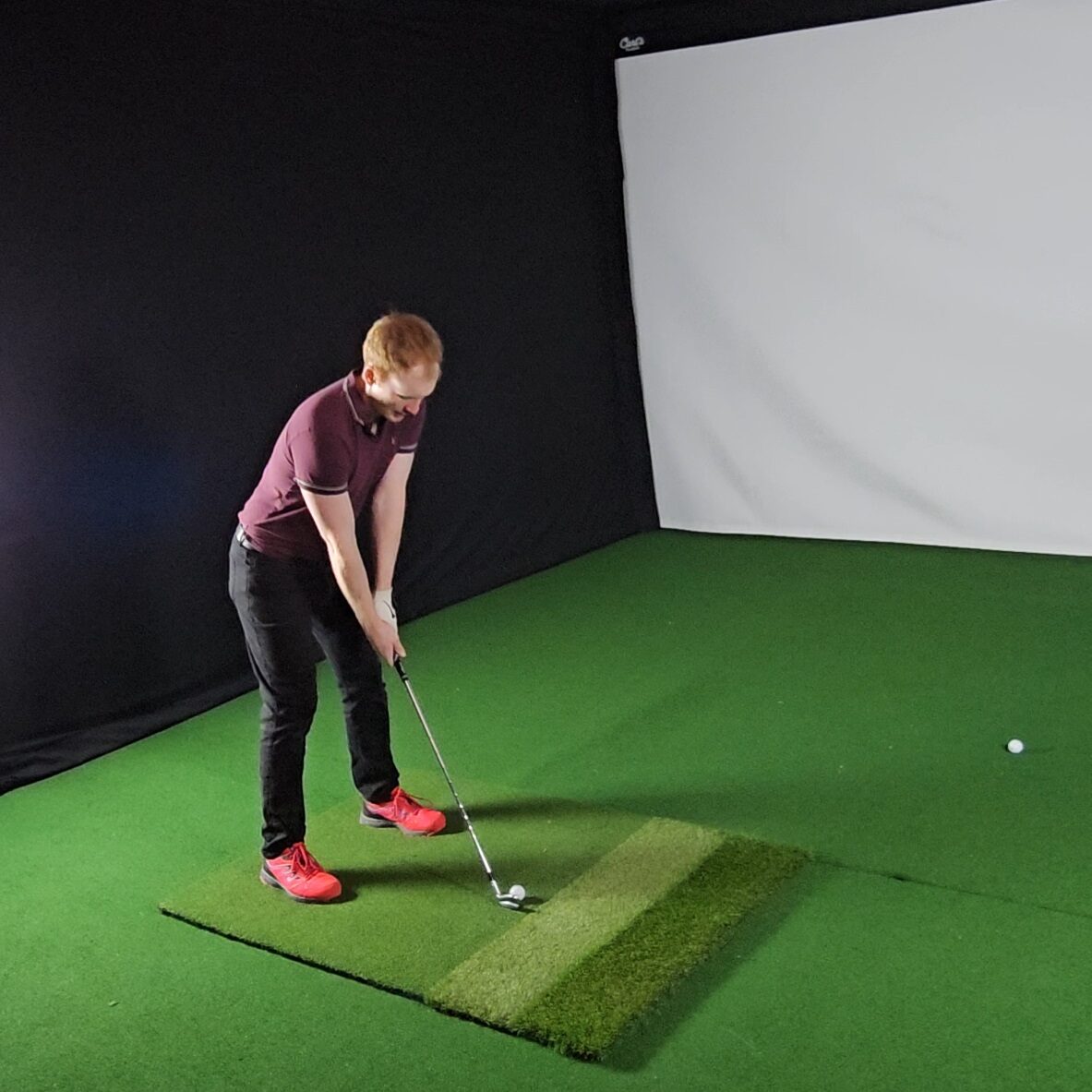
Hello! My name is Alex and it is my mission to bring you all the information you need to build your own home golf simulator! I hope mygolfsimulator.com helps you on your journey to better golf at home!
LEGAL INFORMATION
On this site, you'll find articles on all aspects of building a golf simulator. I will also link to other sites where you can buy some of the simulator components. Some of these links may be affiliate links, which means if you click them I gain a small commission at no extra cost to you. This really helps out me and my site so thank you in advance! mygolfsimulator.com and all related social media accounts are property of Awonline LTD.