How Does a Golf Simulator Work? A Beginner’s Guide
Posted in Launch Monitors
A golf simulator is less one machine than a chain of four parts, and most first-time problems happen where two parts meet: a launch monitor that doesn’t fit the room, or software that won’t talk to the monitor or run on the device you own. This guide follows the shot through each part, then covers room size and the mistakes first-time buyers make.
In a Nutshell
A launch monitor measures your real shot, software turns those numbers into a ball flight on a virtual hole, and a projector, TV or tablet shows it. A mat and an impact screen or net catch the ball and keep the room safe.
👉 Choose the launch monitor and the software together: some software doesn’t list every monitor, and some monitors need a paid plan from their maker before outside software connects.
Jargon, once:
- Launch monitor — the device that measures the ball, and often the club, at impact.
- Simulator software — the program that draws the course and the shot.
- Impact screen — a tough fabric screen you hit into, with the picture projected onto it.
- Enclosure — the frame and side netting around the screen.
The Four Parts at a Glance
| Step | Part | What it does | You choose |
|---|---|---|---|
| 1 | Launch monitor | Measures ball speed, launch and spin as you hit | Radar behind you, camera beside the ball, or overhead |
| 2 | Software | Turns the numbers into a shot on a course or range | Which program, and which device runs it |
| 3 | Display | Shows the shot | Projector and impact screen, or a TV or tablet |
| 4 | Hitting area | Catches the ball and protects the room | Mat, screen or net, enclosure, room size |
How this was built: makers’ manuals read in August 2026 and makers’ software pages read on 2 October 2026; owner and reviewer reports from Reddit and YouTube since 2020.
What Happens During One Shot
- You swing and hit a real ball into the screen or net.
- In the first moments after impact, the launch monitor reads the ball’s speed, launch angle and spin, and often the club as well.
- It sends those numbers to the software on your PC, tablet or phone.
- The software flies the ball through the virtual hole, including its bounce and roll, and the display shows where it lands.
- The numbers stay on screen, so you can see why the shot went where it did, then play the next one from where the ball stopped.
Step 1: The Launch Monitor Measures the Shot
The launch monitor is the part that sees your real swing. It reads the ball, and often the club, in the first moments after impact; the software then works out where the ball would have gone. Where it sits decides how much room you need:
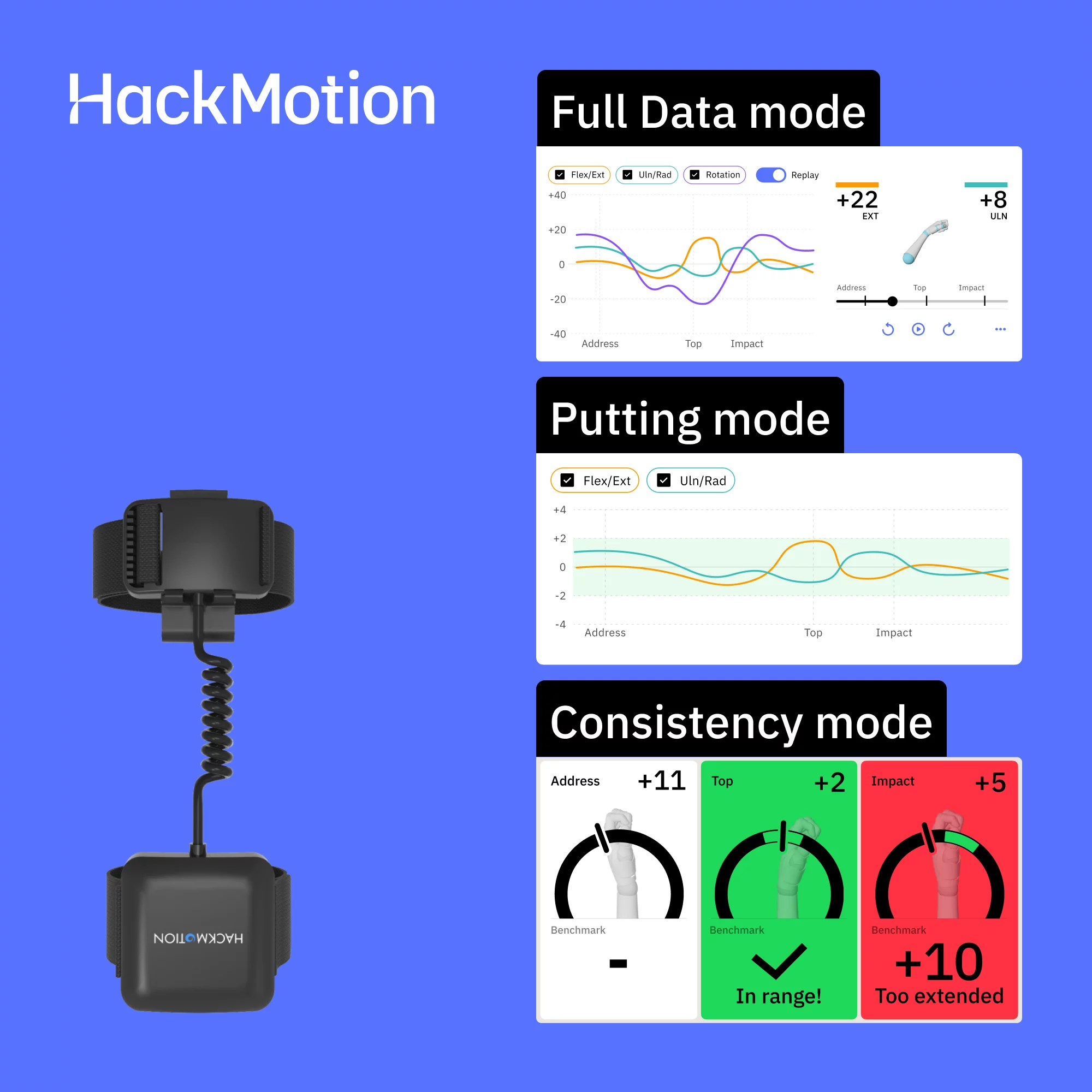
- Behind the ball (radar): the Garmin Approach R10 sits 6–8 ft (1.8–2.4 m) behind the tee and needs at least 8 ft (2.4 m) from tee to net indoors. The Rapsodo MLM2PRO sits 6.5–8.5 ft behind, and FlightScope’s Mevo+ manual asks for 13 ft (4 m) of room depth for unrestricted flight indoors.
- Beside the ball (camera): the SkyTrak ST MAX, Foresight GC3 and Square Golf sit next to the ball, level with the hitting surface, so the unit needs no space behind you.
- Overhead: the Trackman iO mounts on the ceiling, and Trackman’s manual mounts it no lower than 270 cm (about 8 ft 10 in) for one unit.
Figures come from the makers’ manuals, read in August 2026.
How do Launch Monitors Work? – Radar vs Camera Systems
Overhead vs Floor Launch Monitors: Which Suits Your Room?
Step 2: Software Turns the Numbers Into a Golf Hole
The software takes the monitor’s numbers, flies the ball through a virtual course or driving range, and keeps score. It is a separate purchase, and two checks matter:
- Does it list your monitor? GSPro officially lists 33 launch-monitor lines (as of 22 Nov 2026), and SkyTrak isn’t one of them. Some makers also charge their own plan before GSPro connects, among them Foresight, Bushnell, Uneekor and Rapsodo.
- Does it run on your device? GSPro, $250 a year as of 19 Nov 2026, needs a Windows PC with an RTX 3060-class graphics card and 16GB of memory for smooth 1080p. Awesome Golf runs on iOS, Android and PC, and E6 Connect on a PC or an iPad Pro Gen. 1 or newer, though its App Store listing says M1 devices are not supported.
Software requirements were read on 2 October 2026; the GSPro price was re-read on 19 Nov 2026.
Best Golf Simulator Software in 2026: GSPro, E6, Awesome Golf, Home Tee Hero and More
Launch Monitor & Golf Simulation Software – Compatibility Guide for 2025
Step 3: The Display Shows the Shot
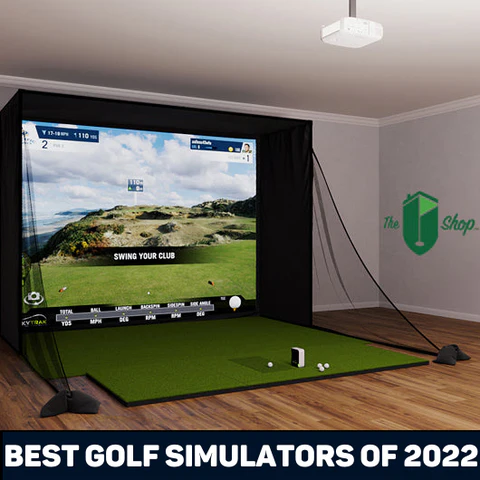
Many home simulators project the picture onto an impact screen, so the ball flies into the image you are aiming at. The projector hangs from the ceiling or sits on the floor, out of the ball’s path.
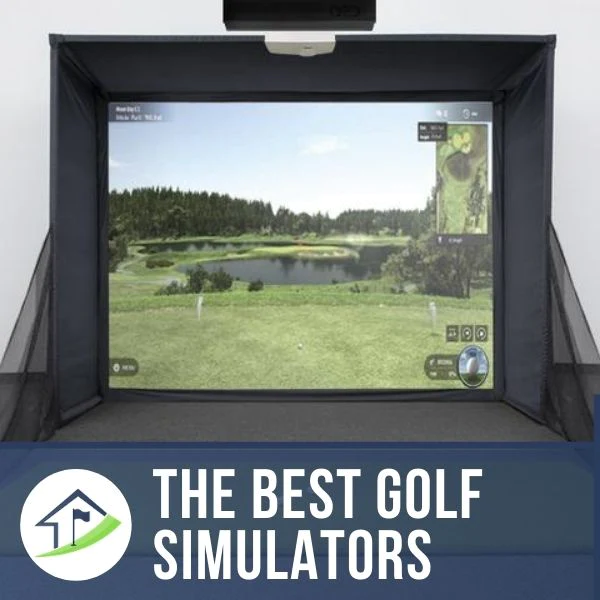
You don’t need a projector to start. A TV beside a hitting net, or a tablet propped next to the mat, shows the same shot on a smaller picture, and it is often the cheaper way in for a garage or spare room.
Best Golf Simulator Projector 2025 – 8 Step Buying Guide + Setup Examples
Golf Simulator Without Projector – Setup Options & Tips
Step 4: The Hitting Area Keeps It Safe
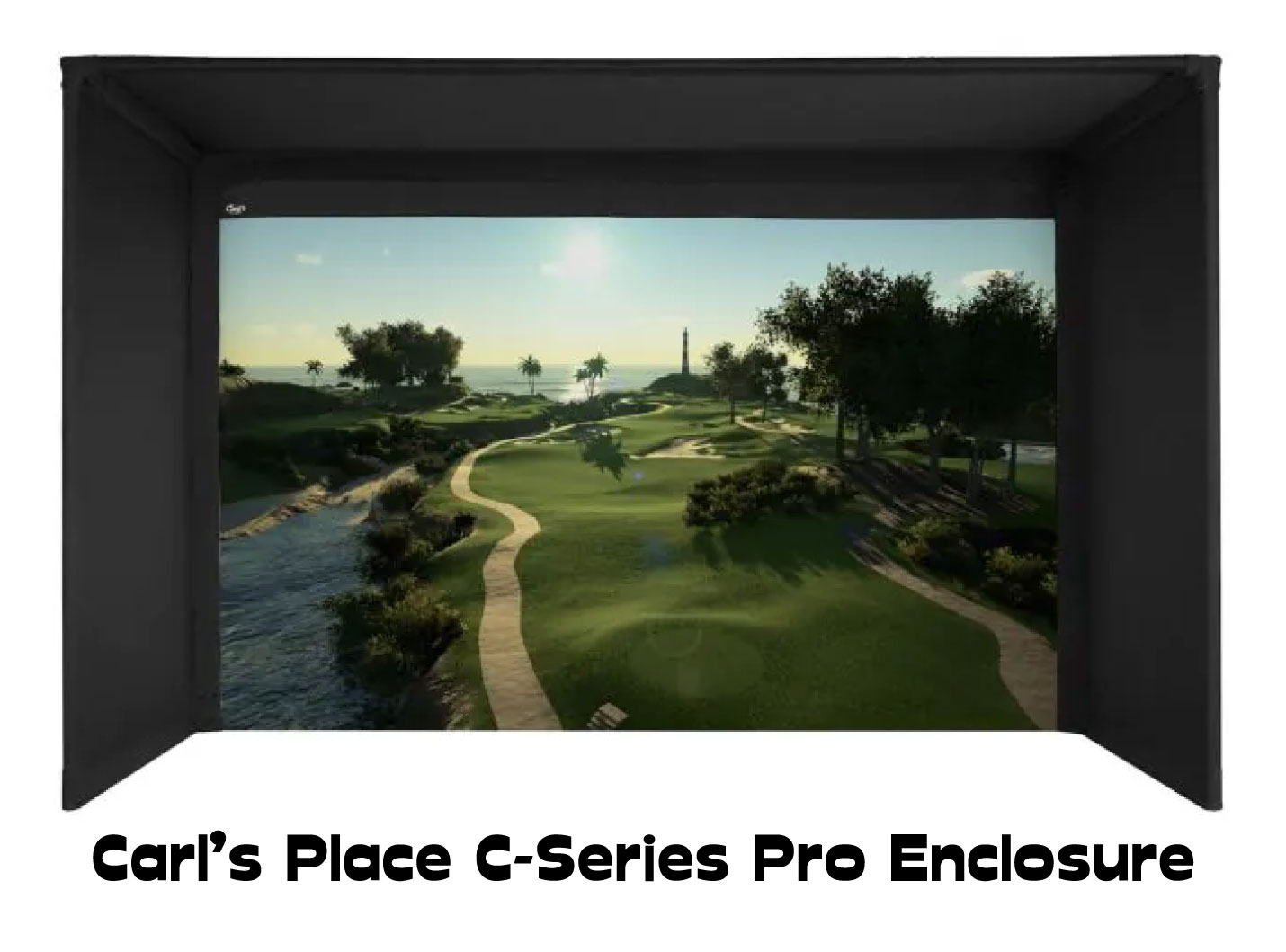
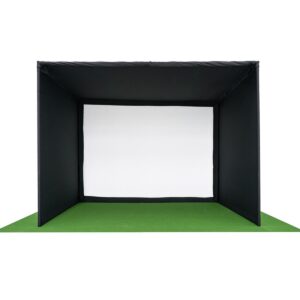
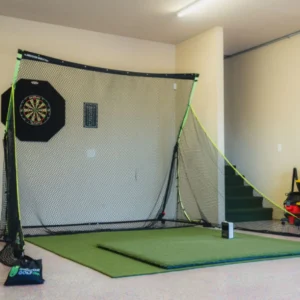
The hitting area is the part you touch: a mat to hit from, and an impact screen or net to stop the ball. An enclosure adds a frame and side netting so mishits don’t reach walls, lights or people.
A good mat matters more than it looks: your club strikes it on every swing.
Width matters as much as height. Owners and reviewers warn that a driver head can catch a side wall on the backswing, so leave roughly as much room to the side as you need overhead, measured along a 45-degree swing plane (6 reports from 4 owners and reviewers).
Best Golf Mat for a Golf Simulator – 10 Step Buying Guide
Best Golf Impact Screen – 7 Key Features & Buying Guide
How Much Room Does a Simulator Need?
Ceiling height is the usual limit. Most settle on 9–10 ft (2.7–3 m) as the comfortable minimum for swinging a driver (14 reports from 11 owners and reviewers). Taller golfers need more.
Lower rooms can still work for some golfers. Some owners and reviewers report swinging a driver without trouble under ceilings of about 8 ft 7 in to 8 ft 8 in, or 2.6–2.65 m (6 reports from 6 owners and reviewers). Treat that as a report, not a promise: your height and swing decide.
From mat to screen, about 7–10 ft (2–3 m) is the usual range (5 reports from 4 owners and reviewers). A behind-the-ball radar then needs its own space behind the tee, as in Step 1.
How much space do you need for a Golf Simulator?
What’s the Minimum Golf Simulator Ceiling Height?
Where Beginners Go Wrong
- Buying the monitor first and the software second. Check that the program lists your monitor and whether the monitor’s maker charges a plan before it connects.
- Assuming any computer will do. GSPro and other PC programs need a Windows PC with a capable graphics card; an iPad limits you to the apps that support it.
- Forgetting the space behind you. A radar unit like the R10 sits behind the tee, so it needs more depth than a beside-the-ball camera.
- Measuring the room with a 7-iron. Ceilings are judged by your driver swing.
Golf Simulator Budget Builds: Five Builds Priced Part by Part, From $1,600 to $24,000 (2026)
Golf Simulator System Requirements in 2025 – Updated Reference Guide
Golf Simulator FAQ
Do you need a projector for a golf simulator?
No. A TV or a tablet beside a net works; a projector and impact screen give the biggest picture.
Can you use a golf simulator with an iPad?
Yes, with software that runs on iPad, such as Awesome Golf or E6 Connect. GSPro needs a Windows PC.
Do you need a gaming PC?
Only for Windows programs such as GSPro, which asks for an RTX 3060-class graphics card for smooth 1080p.
Can a launch monitor work without simulator software?
Yes. Many come with the maker’s own app showing your numbers; the software adds courses and the on-screen shot.
How much room do you need?
Owners usually aim for a 9–10 ft ceiling for drivers, plus room for the mat, the screen and any radar behind the tee.
Is the monitor or the software more important?
The monitor decides the accuracy of the numbers; the software decides what you can play. Pick them as a pair.
How accurate is a golf simulator?
It depends on the launch monitor’s technology and placement. The launch monitor guide explains what each type measures.
Final Thoughts
A golf simulator works when its four parts fit each other and your room. Start with the room and the device you already own, then pick a launch monitor and software that list each other.
Golf Simulator Room Width: Minimums and Narrow-Room Workarounds
Can You Put a Golf Simulator in an Apartment or Condo?
ABOUT THE AUTHOR
Hello! My name is Alex and it is my mission to bring you all the information you need to build your own home golf simulator! I hope mygolfsimulator.com helps you on your journey to better golf at home!
LEGAL INFORMATION
On this site, you'll find articles on all aspects of building a golf simulator. I will also link to other sites where you can buy some of the simulator components. Some of these links may be affiliate links, which means if you click them I gain a small commission at no extra cost to you. This really helps out me and my site so thank you in advance! mygolfsimulator.com and all related social media accounts are property of Awonline LTD.