Golf Simulators for Seniors and Golfers Coming Back from Injury
Posted in Your Swing Studio
A simulator lets you hit in comfort, on your own schedule, without walking a course or waiting for good weather. For older golfers and anyone returning from an injury, the setup choices that matter most aren’t the ones most buying guides lead with. Below: the mat, the first few weeks, slower swings, speed training and how easy the system is to run.
In a Nutshell
Spend on the hitting mat before the launch monitor: owners link cheap, thin or unstable mats to elbow, wrist and back pain, and a better-made mat is what they switched to. Launch monitor makers publish speed ranges that start far below a full swing, so choose the system that is simplest for you to run.
👉 The first few weeks are when owners and commenters say people overdo it, so plan short sessions from day one.
Jargon, once:
- Hitting strip — the replaceable insert in a mat that you actually strike.
- Launch monitor — the device that measures the ball and club and feeds the simulator.
- Ball speed — how fast the ball leaves the club face.
- Overspeed training — swinging lighter and heavier clubs to raise swing speed.
This guide reports what owners say; it isn’t medical advice. Ask your doctor or physical therapist before you start, and before you come back after an injury.
Start With the Mat
Every full swing ends with the club meeting the mat, and a thin or hard mat gives little back. Owners link cheap, thin, unstable or hard mats to elbow, wrist, neck and back pain within days to weeks of regular use (5 reports from 5 owners).
- What owners switched to: a higher-quality, more stable mat, or a softer base under it (2 reports from 2 owners).
- A strip beats padding: owners who added foam under a cheap mat got mixed results; what owners name instead is a quality strip cut into the mat.
- Stability counts as much as softness: one owner who had hurt their back before went looking for a more stable mat, calling the cheap one a safety risk, so one bad swing wouldn’t mean more physical therapy.
First Golf Simulator Mistakes to Avoid
Best Golf Mat for a Golf Simulator – 10 Step Buying Guide
Ease In During the First Weeks
A new simulator makes it easy to hit hundreds of balls a night. One owner and some commenters trace sore elbows to that early burst rather than the mat alone:
“it’s kinda impossible not to over do it during the honeymoon phase” (Reddit owner, 2025-09-06)
- Short sessions first. Some commenters point to overuse, not the mat, and suggest easing back in and building reps up gradually.
- Warm up. Owners who train for speed name skipped warmups as a route to hip and back strain (see below).
- Mix in short shots. Software such as E6 Connect listed chip-and-putt ranges in August 2026, so a session needn’t be all full swings.
If something hurts, stop and ask your doctor or physical therapist before you hit again.
Golf Simulator Flooring (2026): What Goes Under and Around the Mat
Launch Monitors and Slower Swings
A slower swing is not a problem on paper. The makers’ published ranges start far below a full swing:
| Launch monitor | Published range | Manual read |
|---|---|---|
| Square Golf | Registers shots from 3.4 mph ball speed | August 2026 |
| Square Golf OMNI | Club speed 0–140 mph (needs shaft and face stickers) | August 2026 |
| Uneekor EYE MINI | Driver and iron ball speed 11–223 mph | August 2026 |
| Uneekor EYE XO2 | Driver and iron ball speed 11–223 mph | August 2026 |
| Uneekor QED (software updates end Dec 31, 2026) | Driver and iron ball speed 5–100 m/s | August 2026 |
How this was built: makers’ manuals read in August 2026; owner reports from Reddit since 2023. None of it is medical advice.
A published range shows what a unit can register, not how well it reads every slow swing. If you want to track swing speed without hitting a ball, note that owners have complained that Garmin’s R10 practice-swing speed app misses swings or reads speed they dispute, though a firmware update (4.50) fixed some cases (6 reports from 5 owners).
Speed Training: What Owners Report
Owners report weighted-club overspeed programs, tracked on a simulator, adding 10 to 20 mph of clubhead speed over months (9 reports from 9 owners).
Owners and commenters also describe the downside: hip and back injuries from skipped warmups or overtraining, bad swing habits, and speed that doesn’t always show up as real driver distance (4 reports from 4 owners).
To track progress you also need a device that reads swing speed without a ball (4 reports from 4 owners). If you are recovering from an injury, ask your doctor or physical therapist before starting any speed program.
Easy to Run, Easy to Reach
Ease of use matters more than any single feature when the person playing doesn’t enjoy setting up tech. Families buying for an older relative worry that setup will be finicky, and commenters note that comfort with technology varies widely among seniors rather than following age (2 reports from 2 owners).
- Fewer steps: one owner runs the picture from an old phone to a streaming stick on the projector, simple enough to write down as about four steps (2026).
- Room for everyone: the simulator can still be a shared space for someone who no longer swings. One golfer whose father now uses a wheelchair says:
“I can still take him to the simulator” (Reddit user, r/golf, 2024-09-12)
- No PC to manage: one commenter points to the Garmin R50, an all-in-one unit with a built-in 10-inch touchscreen and HDMI out to a TV or projector (2026).
Golf Simulators for Seniors FAQ
Is a golf simulator good for seniors?
It can be. A simulator lets you play in any weather, in short sessions, without walking a course. The setup that suits older golfers starts with a stable, well-made mat and a system that is simple to turn on.
What hitting mat should an older golfer choose?
Owners who reported pain switched to a stable, well-made mat or a quality strip cut into the mat, while foam under a cheap mat gave mixed results. Ask your doctor or physical therapist about your own joints.
Will a launch monitor read a slow swing?
On paper, yes. Square Golf registers shots from 3.4 mph ball speed, and Uneekor’s EYE MINI and EYE XO2 list driver and iron ball speeds from 11 mph. Real-world reading quality varies by unit and room.
When can someone coming back from an injury use a simulator?
Commenters suggest easing back in with short sessions, but how and when to return is a question for your doctor or physical therapist, not a buying guide.
Final Thoughts
For an older golfer or anyone coming back from an injury, the order of spending is clear from owner reports: a good mat first, a launch monitor second. Start with short sessions, mix in short shots, and pick the system the person playing finds easiest to run.
Golf Simulator Accessories Worth Buying (and a Gift Guide)

Humidity and Condensation in a Garage Golf Simulator: Protecting Your Gear
ABOUT THE AUTHOR
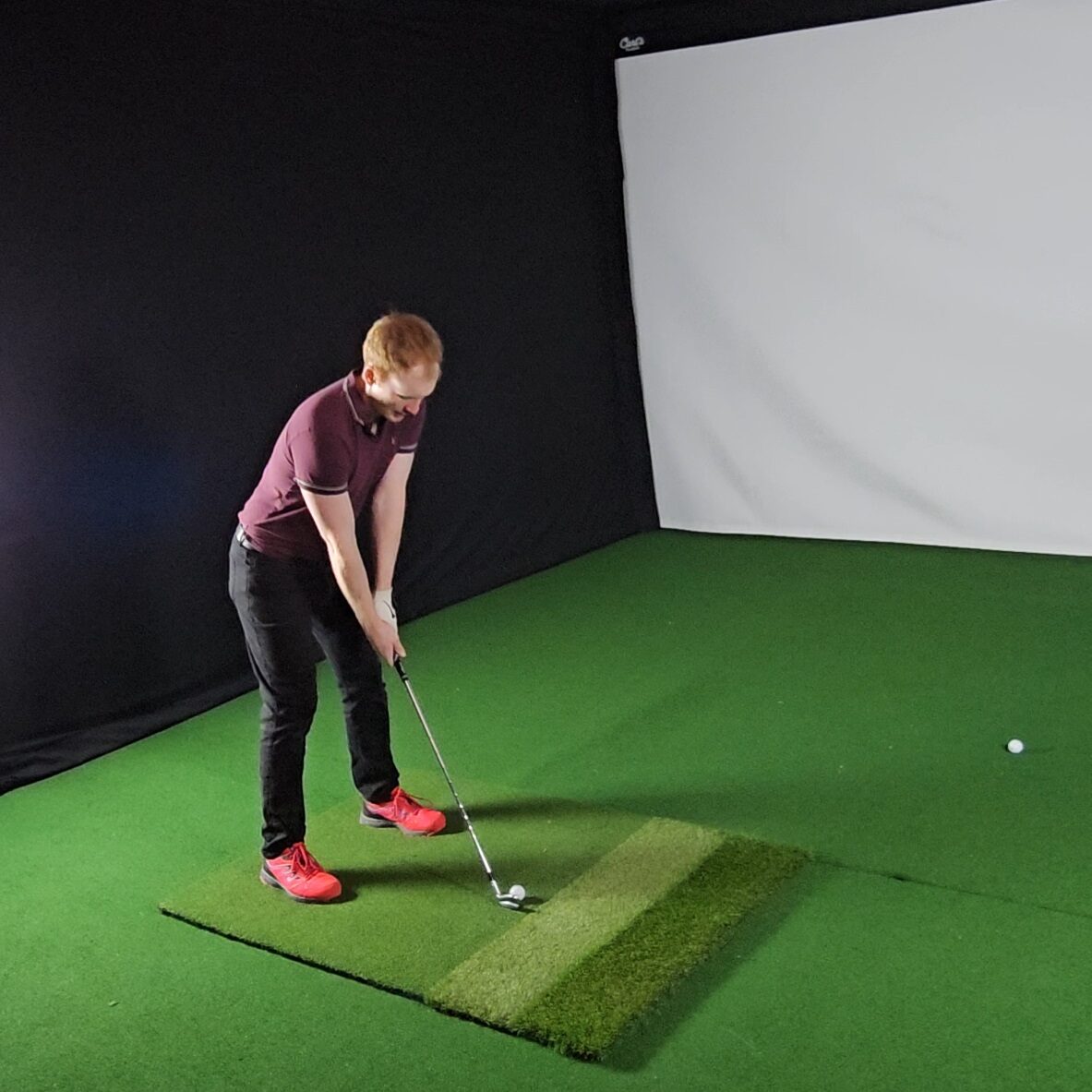
Hello! My name is Alex and it is my mission to bring you all the information you need to build your own home golf simulator! I hope mygolfsimulator.com helps you on your journey to better golf at home!
LEGAL INFORMATION
On this site, you'll find articles on all aspects of building a golf simulator. I will also link to other sites where you can buy some of the simulator components. Some of these links may be affiliate links, which means if you click them I gain a small commission at no extra cost to you. This really helps out me and my site so thank you in advance! mygolfsimulator.com and all related social media accounts are property of Awonline LTD.